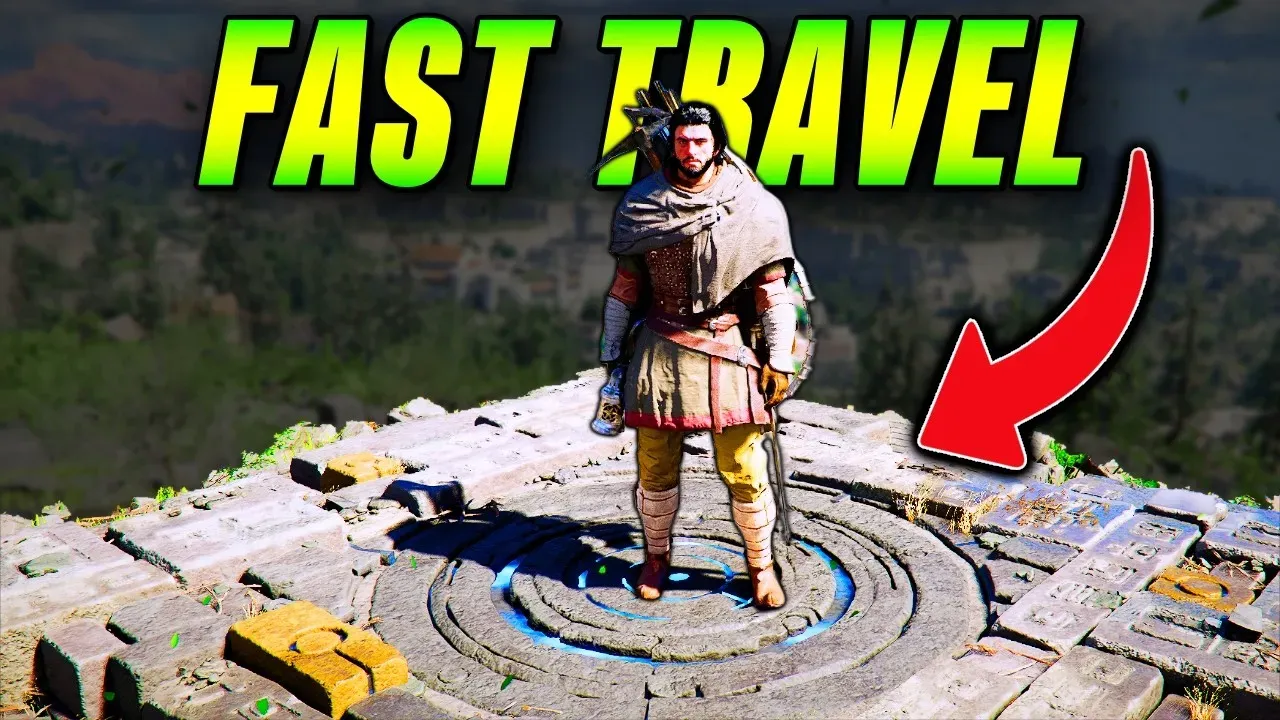
Crimson Desert: How to Fast Travel (Unlock Every Point)
How to fast travel in Crimson Desert — reveal travel points with Blinding Flash or your lantern, walk over the lights to unlock them, and double-click the map to teleport.

Quick Answer
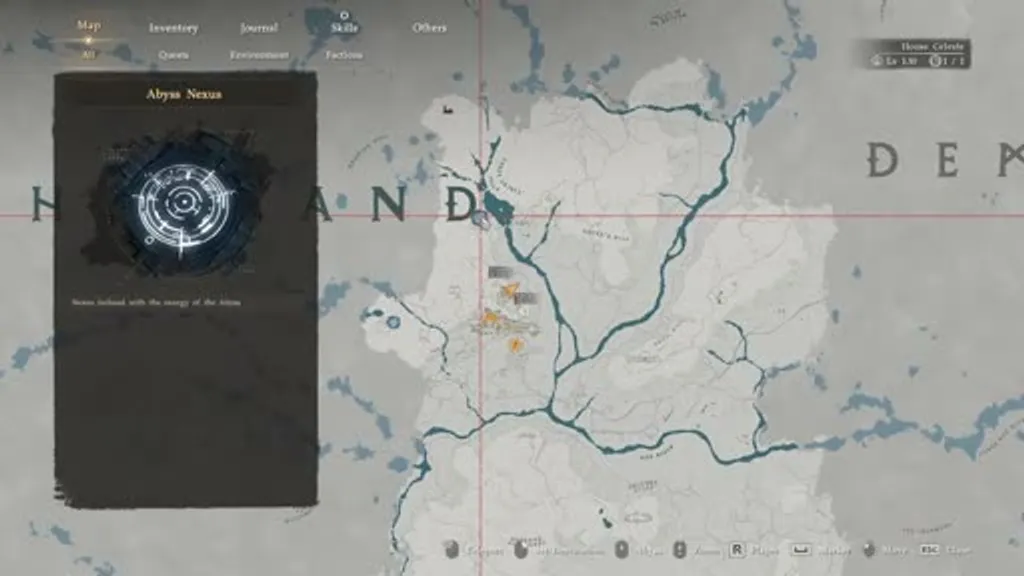
To fast travel in Crimson Desert, first reveal travel points by using your Blinding Flash ability or pulling out your lantern — little lights appear on the map. Walk over a light to permanently unlock that point. Then open the map, double-click a travel point (works on mouse and controller), and confirm/click the teleport button to walk into the portal.
Jump to a moment 4 chapters
Pywel is huge, and fast travel makes it manageable — once you know how to reveal and unlock the points. Here’s the full process.
Short Answer
First reveal travel points by using your Blinding Flash ability or pulling out your lantern — little lights appear on the map. Walk over a light to permanently unlock that point. Then open the map, double-click a travel point (works on mouse and controller), and confirm/click the teleport button to walk into the portal.
Key Takeaways
- Reveal points with Blinding Flash or your lantern — watch for little lights on the map.
- Walk over a light to permanently unlock that fast travel point.
- Double-click a point on the map (mouse or controller) to teleport.
- Confirm with the teleport button to enter the portal.
How Do You Fast Travel in Crimson Desert?
- Reveal points. Use your Blinding Flash ability or pull out your lantern — little lights appear in the world/on the map.
- Unlock them. Walk over each light to permanently unlock that fast travel location.
- Open the map. Find an unlocked travel point and double-click it (same on mouse and controller).
FAQ
How do you unlock fast travel points in Crimson Desert?
Reveal them with Blinding Flash or your lantern (they show as little lights), then walk over each light to unlock it permanently.
How do you actually teleport?
Open the map, double-click an unlocked travel point, and confirm with the teleport button.
Pro tip for new regions?
Watch for the little lights as you explore — grabbing them early means you can fast travel anywhere in that region later.
Related Guides
- Crimson Desert: Stop Playing with a Hidden Map (Reveal the Map) — clear the fog of war to find points faster.
Sources
- How To Fast Travel In Crimson Desert — original video walkthrough by Fusion Thunder.

Fusion Thunder
Founder & EditorI'm Fusion Thunder, the founder of Beyond Max Level. I'm a lifelong gamer and content creator who doesn't just play games — I like to push them to their absolute limits. This site is the written extension of my YouTube channel, @BeyondMaxLevel, where I break down the open-world epics and big RPGs worth going deep on into clear, no-fluff guides you can actually follow.
Related Guides
 Guide
Guide Crimson Desert: Unlock Every Recipe for Free
How to unlock every cooking and alchemy recipe for free in Crimson Desert using Improvised Mode — no buying or stealing recipes required.
 Guide
Guide Crimson Desert: How & Where to Buy a Wardrobe
Where to buy a wardrobe in Crimson Desert and how to use it for armor storage — the Timberton furniture shop, prices, and the 1000-slot limit.
 Guide
Guide Crimson Desert: How & Where to Tame a Crow (Pet)
How to tame a crow as a pet in Crimson Desert — the oats feed, the gravestone location near Hexe Sanctuary, and using the Sotdae of Bond to reach 100 trust.